Operations, task management and compliance in one tool
The field crew captures on mobile, management runs it from the web, and documentation is built by the work. Here is what the tool does today, and what is under development.
This is what our customers use every day
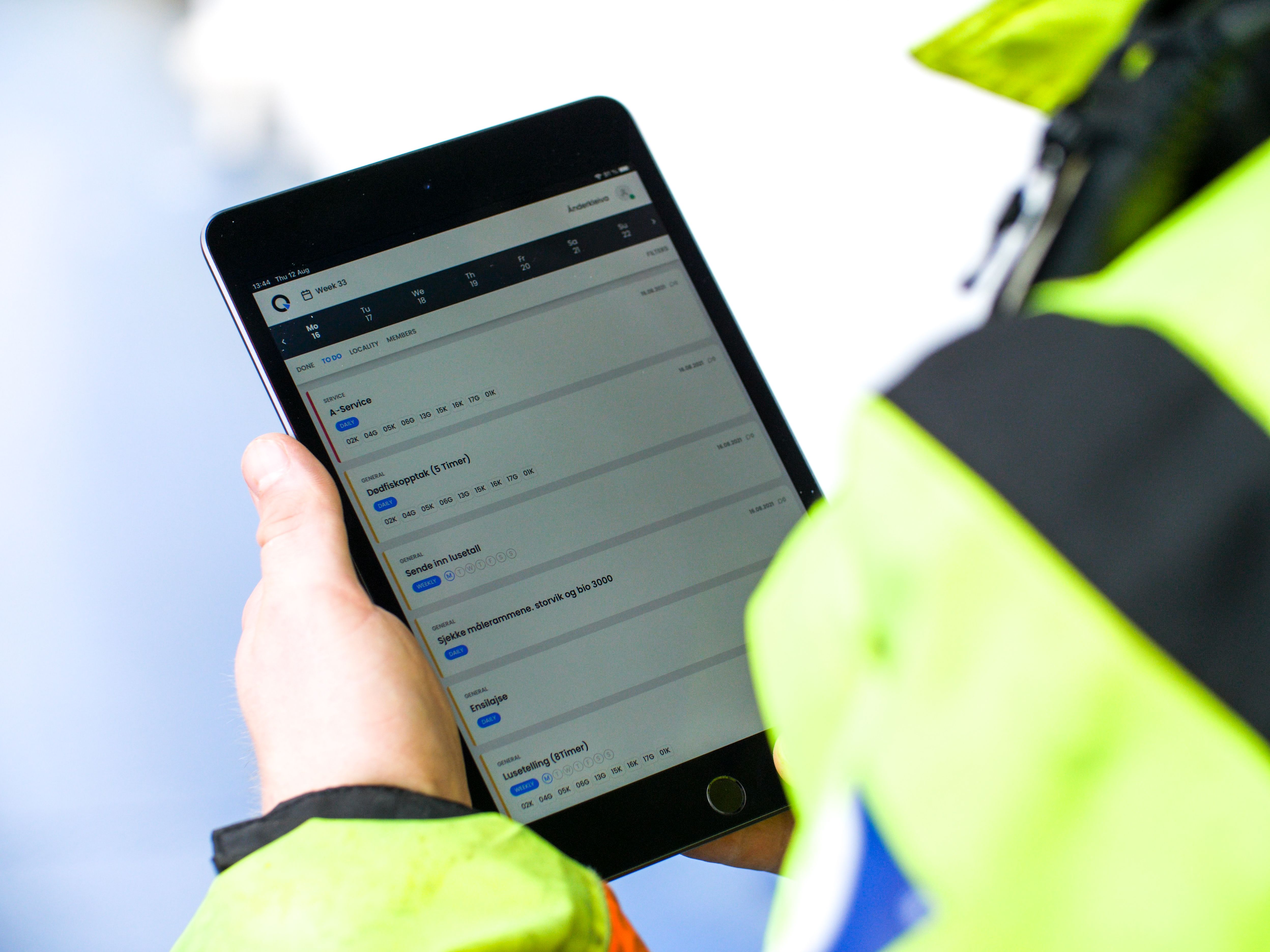
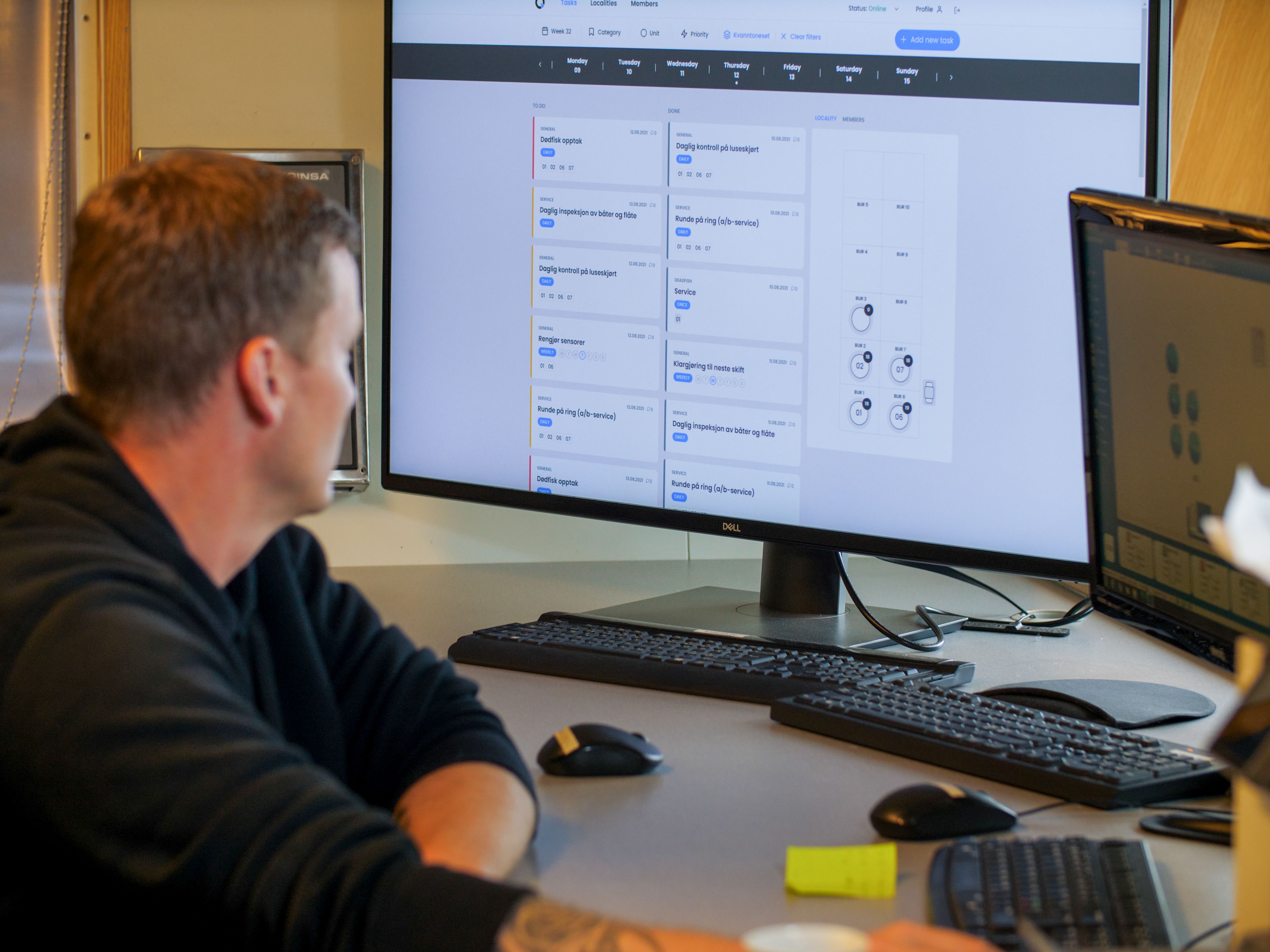
Tasks and routines with checklists
Plan the day and the week per site. Tasks repeat as needed: one-off, daily, weekly or monthly. Priority and urgency are always visible, and completed tasks show who and when.
Shift reporting
Daily capture and log from the field. The shift documents what happened while it happens, and the next shift and management read the same picture. No handover on sticky notes.
Photo documentation
Photos attached to tasks and deviations as evidence. Wear on moorings, damage to a net or a completed measure is documented with the camera then and there, and the photo follows the case.
This is what we are working on now
Under development means exactly that: not finished, not in the tool today. We are happy to tell you more about the plans in a conversation.
See it on your own operation
Get in touch and we will go through how Qnappen fits your sites and routines.
Get in touch